Quick How-Tos··2 min read
Cleaning Your Projector Lens and Filter Without Damaging It
A safe, simple routine for keeping your projector's lens and filter clean without risking scratches or damage.
Dust and fingerprints kill image quality faster than most people realize, but scrubbing a lens is how you actually damage one. Here's the safe way:
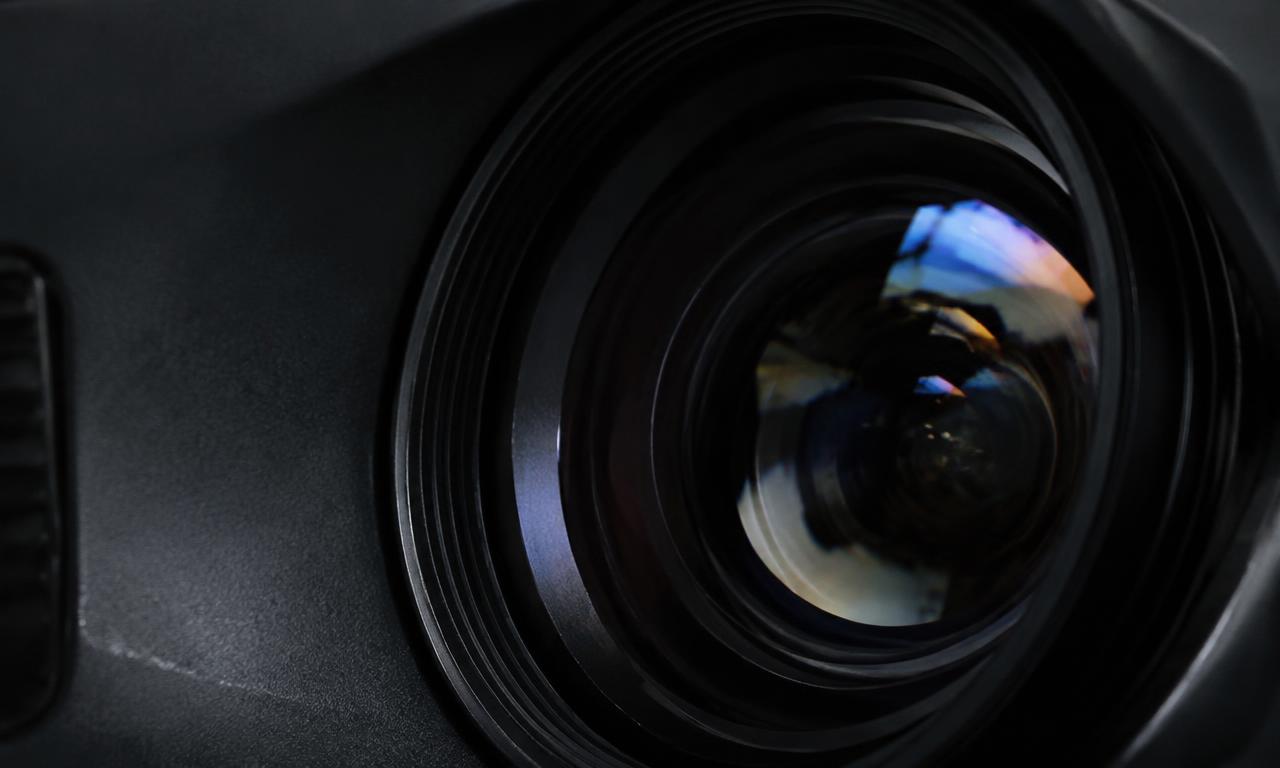
- Lens first, always dry. Use a rocket blower to blow off loose dust before touching the lens with anything. Skipping this is how people grind grit into the coating.
- Microfiber only. If you need to wipe smudges, use a clean, dedicated microfiber cloth (not the one you use on your glasses — oils and dust build up on those). Wipe in gentle circular motions, don't press.

- Never spray liquid directly on the lens. If needed, put a drop of proper lens cleaning solution on the cloth, never the glass.
- Filter maintenance matters more than people think: most projectors (Horizon 20 Max included) have a removable dust filter. Pop it out every month or two and rinse or vacuum it — a clogged filter raises internal temps and can shorten lamp/laser life.
- Let it fully dry before powering on if you used any liquid.